

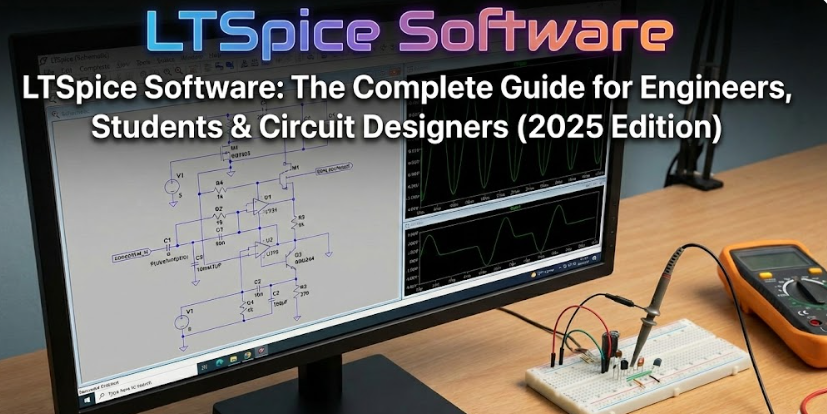
In the rapidly evolving world of electronics engineering, accurate simulation tools have become essential. Whether you are an aspiring electrical engineering student, a professional power electronics designer, or a hobbyist experimenting with analog circuits, you need a reliable environment that allows you to test, analyze, and validate your ideas before building real hardware. Among the countless simulation platforms available today, LTSpice software stands out as the most powerful, accessible, and widely trusted solution for circuit design in 2025. Its long-standing reputation for accuracy, speed, and stability has made it the preferred choice for millions of engineers across the globe. This in-depth guide walks you through every aspect of LTSpice — from its capabilities and applications to advanced techniques and real-world benefits.
What Exactly Is LTSpice and Why Does It Matter Today?
LTSpice is a high-performance SPICE-based circuit simulation tool developed by Analog Devices. At its core, it simulates electronic circuits by solving complex mathematical equations in the background, allowing engineers to predict real-world behavior long before building a physical prototype. Its importance is directly tied to the challenges of modern electronics: shrinking circuit footprints, rising complexity, and increasing demand for energy-efficient solutions. This is where LTSpice plays a crucial role. For those interested in exploring more technology insights, you can also check out our EuroGamersOnline Gadgets Archives. LTSpice software download searches are among the highest in the simulation category globally.
Why LTSpice Remains the Gold Standard in Circuit Simulation
Several circuit simulation platforms compete for market attention, but LTSpice continues to dominate because of its unmatched blend of performance and simplicity. Some of the most important reasons include:
1. Industry-Leading Accuracy
Accuracy is non-negotiable in circuit simulation. LTSpice provides one of the most stable and precise mathematical engines available, making it ideal for high-frequency, high-speed, and high-power designs. Engineers developing SMPS circuits, oscillators, RF filters, amplifiers, and analog ICs rely heavily on this accuracy.
2. Fastest SPICE Engine in Its Class
LTSpice is optimized to run faster than most SPICE-based tools, even when handling complex switching power supplies. Faster simulation times allow engineers to iterate more quickly.
3. Completely Free and No Licensing Restrictions
While most competing tools require subscriptions or limited student versions, LTSpice is entirely free. This makes searches like ltspice software free download extremely common among engineering students and professionals.
4. Extensive Component Libraries
LTSpice software comes with an extensive library of pre-loaded components from Analog Devices, making it a powerful tool for circuit designers and engineers. The library continuously expands and includes MOSFETs, BJTs, Schottky diodes, linear regulators, operational amplifiers, power management ICs, and controllers. Additionally, LTSpice circuit simulation software allows users to import custom semiconductor models, providing flexibility for advanced designs and ensuring accurate simulation of both standard and specialized components.
5. Cross-Platform Compatibility
LTSpice software is fully compatible with multiple operating systems, including Windows, macOS, and Linux (via Wine). This cross-platform support ensures that engineers, students, and hobbyists can access and utilize LTSpice circuit simulation software regardless of their preferred operating system, making it a versatile and widely adopted tool for electronic circuit design worldwide.
How to Download and Install LTSpice (Step-by-Step)
Many beginners search for software ltspice or “how to install LTSpice quickly.” The process is straightforward:
Step 1: Visit the Analog Devices Website
Locate the LTSpice download section under design tools.
Step 2: Select Your Operating System
Choose between Windows (.exe) or macOS (.dmg).
Step 3: Run the Installer
Accept the terms and allow the installation to complete.
Step 4: Launch the Application
The software opens with a clean interface and ready-to-use component libraries.
Step 5: Update Component Models
Updating ensures you have the latest op-amps, MOSFETs, IC models, and analog controllers.
Understanding the Core of LTSpice: A Deep Dive
LTSpice is more than a schematic tool — it is a comprehensive simulation environment built on advanced SPICE algorithms. Let’s break down the essential elements:
Schematic Editor
This is where circuits are built visually. The editor is minimalist yet powerful, supporting everything from basic resistor-capacitor networks to multi-stage analog filters.
Simulation Engine
Running simulations in LTSpice software provides engineers with in-depth insights into circuit performance. The platform supports a variety of analyses, including transient analysis to observe time-dependent behavior, AC analysis for frequency response evaluation, DC operating point calculations for steady-state conditions, noise analysis to identify interference and signal integrity issues, and temperature variation checks to assess thermal performance. These powerful simulation capabilities make LTSpice circuit simulation software an indispensable tool for designing accurate and reliable electronic circuits.
Waveform Viewer
The waveform viewer is a critical feature that makes LTSpice incredibly useful. It allows you to plot voltages, currents, switching patterns, harmonic distortion, and more.
Model Importing
For advanced designers, importing custom component models is essential. LTSpice supports industry-standard SPICE libraries.
What Makes LTSpice Perfect for Power Electronics
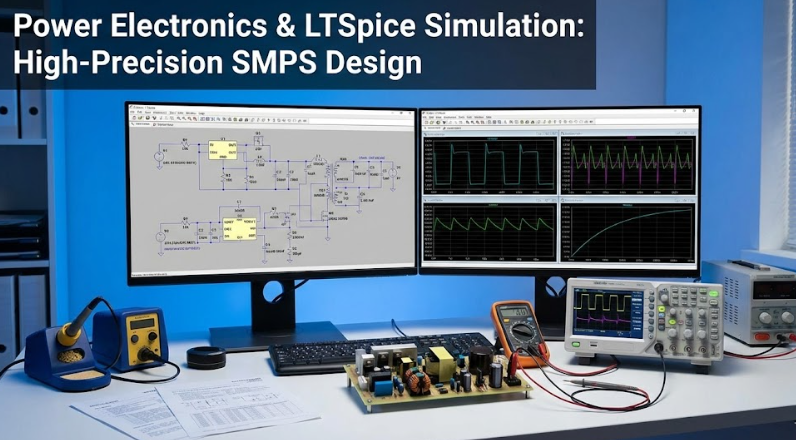
Power electronics is among the most challenging fields in electrical engineering, where designing efficient switching regulators demands high-precision simulation. LTSpice circuit simulation software has become an essential tool for engineers in this domain. It offers ready-made SMPS templates and supports a wide range of converter topologies, including buck, boost, flyback, forward, and resonant designs. The software provides accurate switching behavior, thermal analysis, dead-time simulations, and ripple and noise prediction, enabling engineers to optimize power supply performance before physical prototyping. These advanced capabilities make LTSpice software the go-to solution for power electronics designers and switching regulator engineers worldwide.
Advanced Features Every Engineer Should Know
To master LTSpice, understanding its advanced capabilities is essential.
1. Parametric Sweeps
Run simulations using multiple component values automatically. This is ideal for checking tolerance ranges.
2. Monte Carlo Analysis
Simulates real-world conditions by introducing random tolerance variations.
3. Temperature Coefficients
Heat changes component behavior. LTSpice predicts thermal sensitivity.
4. Fourier Analysis
Analyzes harmonic distortion — essential for audio, RF, and power designs.
5. Subcircuit Modeling
Allows creation of reusable modules for complex designs.
6. Symbol Creation
Engineers designing custom ICs can create personalized symbols and models.
Most Common Beginner Mistakes (and Fixes)
Missing Ground Reference
Every circuit needs a reference node labeled as ground.
Incorrect Model Usage
Always verify transistor or diode model compatibility.
Overloaded Simulation Commands
Use proper step commands for sweep analysis.
Overuse of Ideal Components
Real-world parameters matter — especially ESR, parasitics, and delays.
Real-World Problems LTSpice Can Solve
LTSpice is a hands-on, practical tool that goes beyond theory, offering engineers precise insights into real-world circuit behavior. On a daily basis, it is used for tasks such as testing buck converters prior to manufacturing, fine-tuning amplifier gain and bandwidth, identifying unwanted circuit oscillations, and simulating fault conditions. It also aids in designing audio crossovers, evaluating battery charging circuits, and modeling sensor signal conditioning. By allowing engineers to validate designs virtually, LTSpice eliminates the need for time-consuming trial-and-error on physical PCBs, helping prevent costly errors and streamlining the development process. For managing hardware performance in real-world setups, engineers can also explore our fan control software guide.
Who Should Use LTSpice in 2025?
Students
Perfect for circuit theory, lab work, and final-year projects.
Electronics Engineers
Widely used in commercial product development.
Hobbyists / Makers
Simple enough for DIY experimentation.
Power Electronics Specialists
Ideal for SMPS, DC-DC converters, chargers, and inverters.
Final Thoughts: Why LTSpice Software Is Still Number One
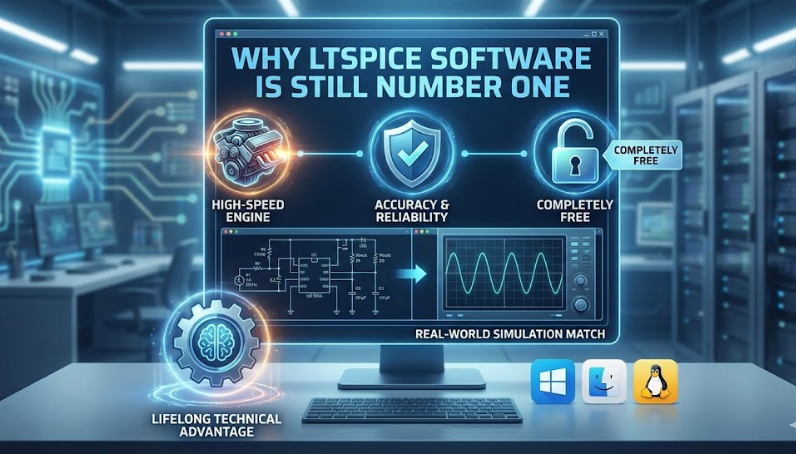
It’s rare to find a tool that is powerful, accurate, and free. LTSpice software delivers all three. Its high-speed SPICE engine, extensive component libraries, cross-platform compatibility, and real-world accuracy make it the undisputed leader in circuit simulation tools. Whether you’re designing a power converter, building an amplifier, or analyzing noise behavior, LTSpice gives you everything you need to bring your ideas to life. Engineers who master LTSpice gain a lifelong technical advantage — because understanding real circuit behavior before production is the key to innovation.
FAQs
What is LTSpice software and how does it work for circuit simulation?
LTSpice software is a SPICE-based circuit simulation tool that lets engineers and students test and optimize electronic circuits virtually, saving time and reducing costs.
Where can I download LTSpice software for free?
You can download LTSpice software free directly from the official Analog Devices website for Windows and macOS.
How to use LTSpice simulation software for power electronics projects?
Use LTSpice simulation software to model converters, simulate switching behavior, analyze ripple, and optimize designs before building real circuits.